
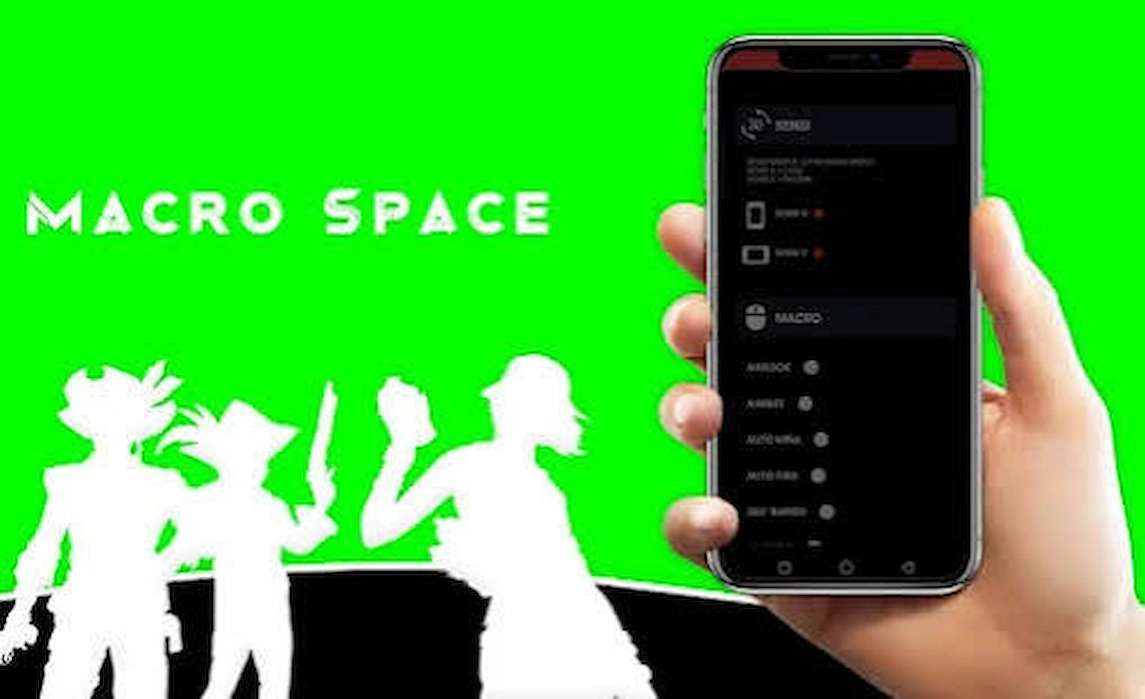
Mobile applications have become an important part of the Android gaming community. Players regularly search for different tools, settings, and customization options to understand how they can improve their gaming experience. Macrospace Panel is a keyword associated with users researching the Macro Space panel application.
Before installing any third-party tool, understanding its purpose and safety is essential.
What Is Macrospace Panel?
Macrospace Panel is a search term used by people looking for information about the Macro Space panel and its Android application. Users may want to explore its available options, version details, compatibility, and relationship with mobile gaming.
However, application names alone do not confirm their authenticity. Different websites may publish unrelated or modified packages under similar names.
Always check the original developer and application information before downloading.
Why Do Users Explore Macrospace Panel?
People searching for Macrospace Panel may have different reasons for researching the application.
Some want to understand its interface, while others are interested in version comparisons and Android compatibility.
The most important things to investigate include:
- Application identity and publisher.
- Available functions and settings.
- Android compatibility.
- Version information.
- Security and privacy.
- Installation requirements.
These details can help users decide whether an application is suitable for their needs.
Understanding the Application Interface
An application should provide understandable menus and clear descriptions of its options. Users should avoid changing unfamiliar settings without knowing their purpose.
If Macrospace Panel includes instructions, review them before interacting with the available options. Stop using the application if it displays suspicious messages or requests unrelated personal information.
Android Installation Requirements
Different applications have different technical requirements. Before installing Macrospace Panel, check your Android version, available storage, and device compatibility.
Only use an original APK obtained from a verified developer source.
Avoid downloading files from websites that display misleading buttons or redirect users to unrelated applications.
Safety and Privacy Considerations
Third-party Android applications can create security risks when distributed through unreliable sources.
Protect your device by following these precautions:
- Verify the application publisher.
- Scan the APK before installation.
- Review all requested permissions.
- Avoid sharing gaming account passwords.
- Keep your phone’s security features enabled.
- Uninstall suspicious applications immediately.
Players should also avoid unauthorized automation tools that may conflict with Free Fire’s rules.
Is Macrospace Panel Worth Exploring?
Macrospace Panel may be worth researching if you are interested in learning about Macro Space and related Android applications. However, your decision should depend on verified features, developer information, and device compatibility.
Do not trust exaggerated claims without reliable evidence.
Conclusion
Macrospace Panel is a relevant search keyword for Android users exploring the Macro Space application. Research its actual purpose, verify the installation source, and prioritize privacy and security. A trustworthy application and responsible gaming habits are always better than taking unnecessary risks.